
Turn the audience from spectators into participants

Every question, vote or quiz must be simple for attendees and fully controlled by the live team.
Engagement

Audiences that only listen

During meetings and congresses the audience often stays passive: pollMe introduces moments of voting, play, feedback and discussion.

Live display

Results that are hard to show

Charts, rankings and live content must reach the large screen at the right moment, without improvisation in the room.

Data driven

Interactions that do not become data

Without a structured report, votes, quizzes and feedback collected during the event risk remaining scattered information.

pollMe control room for live events
Live
Control

A complete control room for audience, speakers and stage

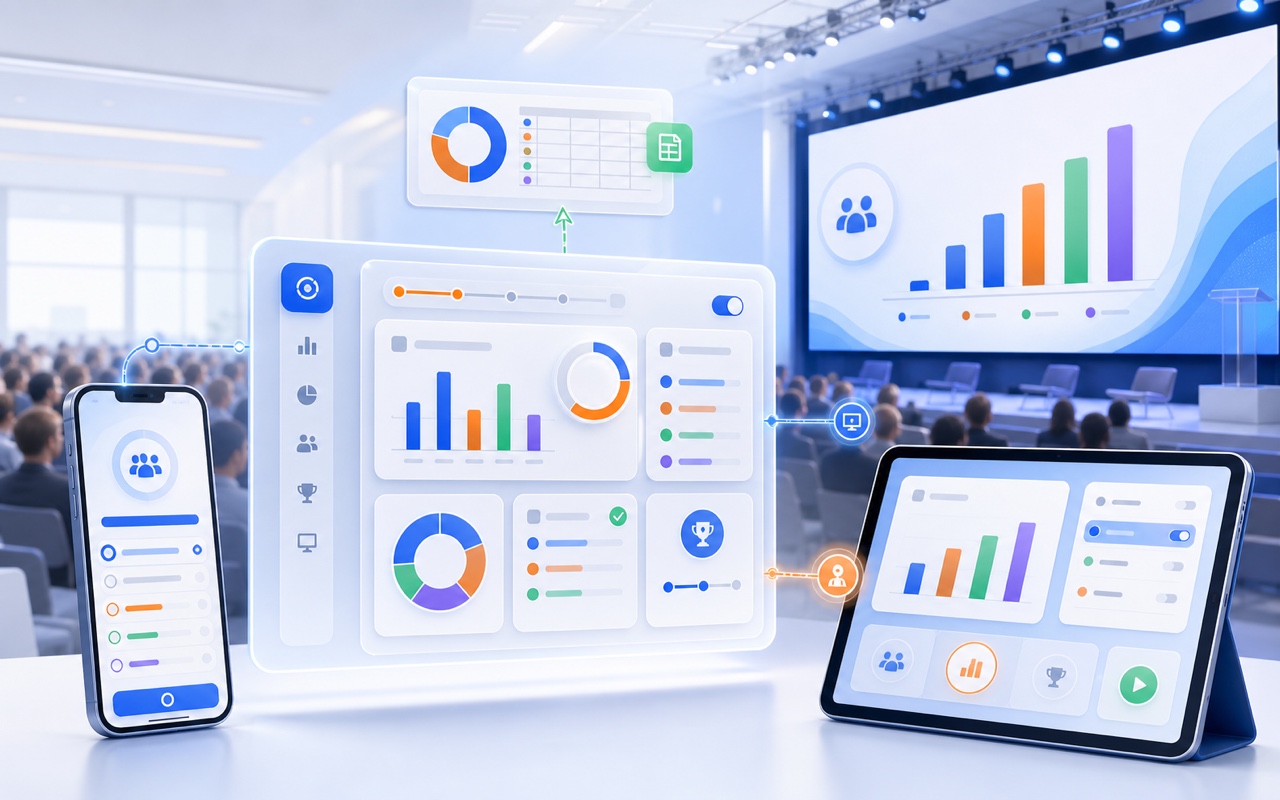
Each event can have dedicated sessions, different polls, an audience view, a speaker view, a stage screen view and an exportable final report.

Everything is designed to work in real time, with no app to install and without complicating the attendee experience.

Schedule

Dedicated sessions

Each event can contain multiple sessions, with different polls, quizzes and content for each moment of the agenda.

Mobile first

Audience view

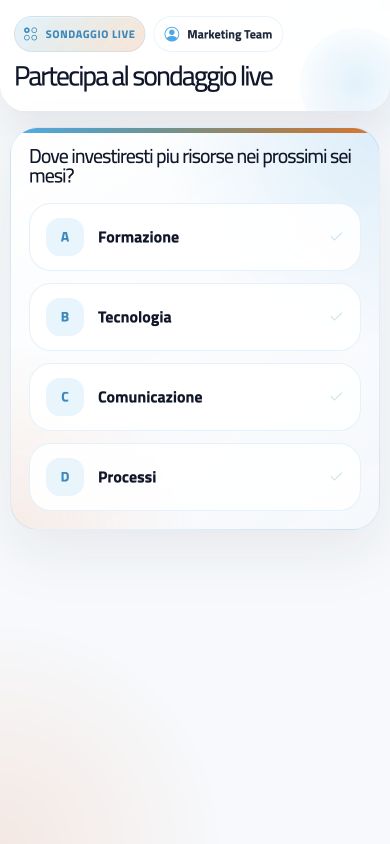
Attendees access from their smartphones, view the active poll and answer without complex steps.

Speaker

Speaker view

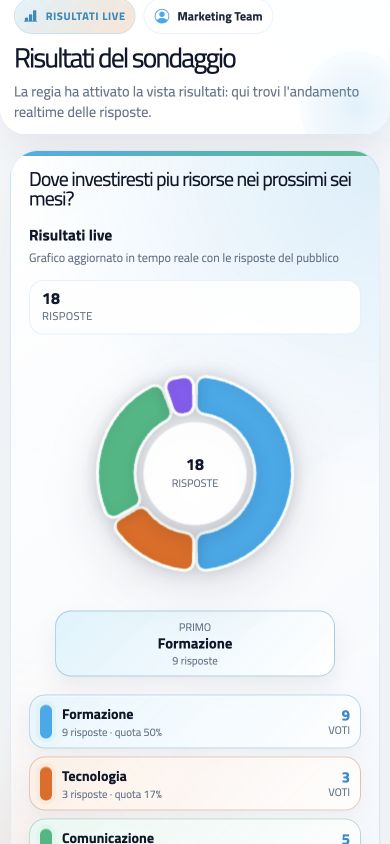
The speaker follows questions, results and content sent from the control room on a tablet-friendly view.

Stage ready

Stage screen view

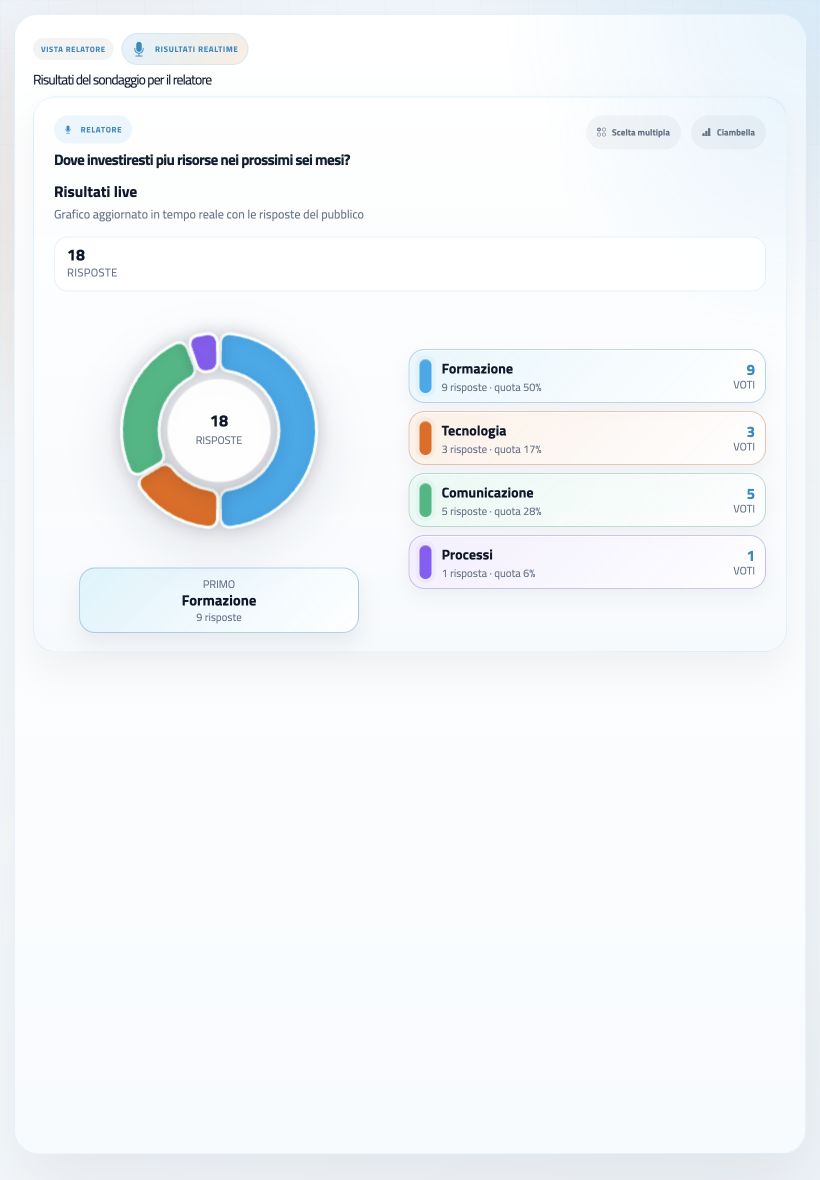
QR codes, questions, options, rankings and results can be projected on LED walls, monitors and video walls.

White label

Event branding

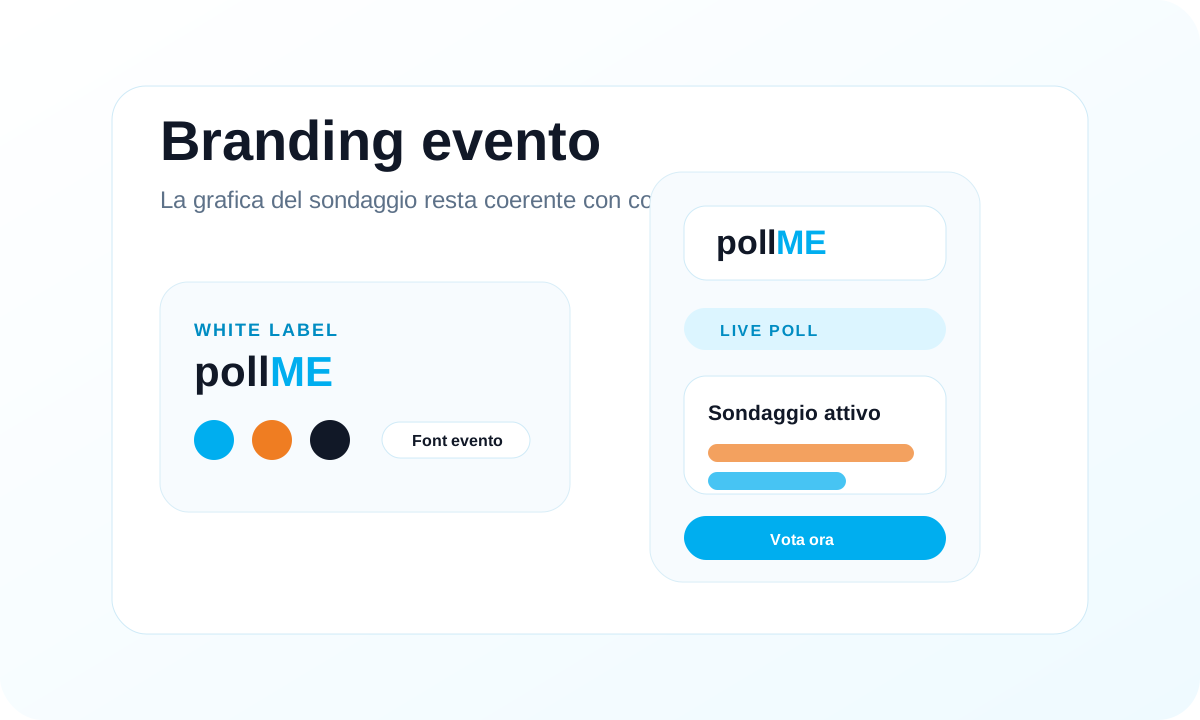
Logo, colors and fonts can be adapted to the client or event visual identity.

Export

Final report

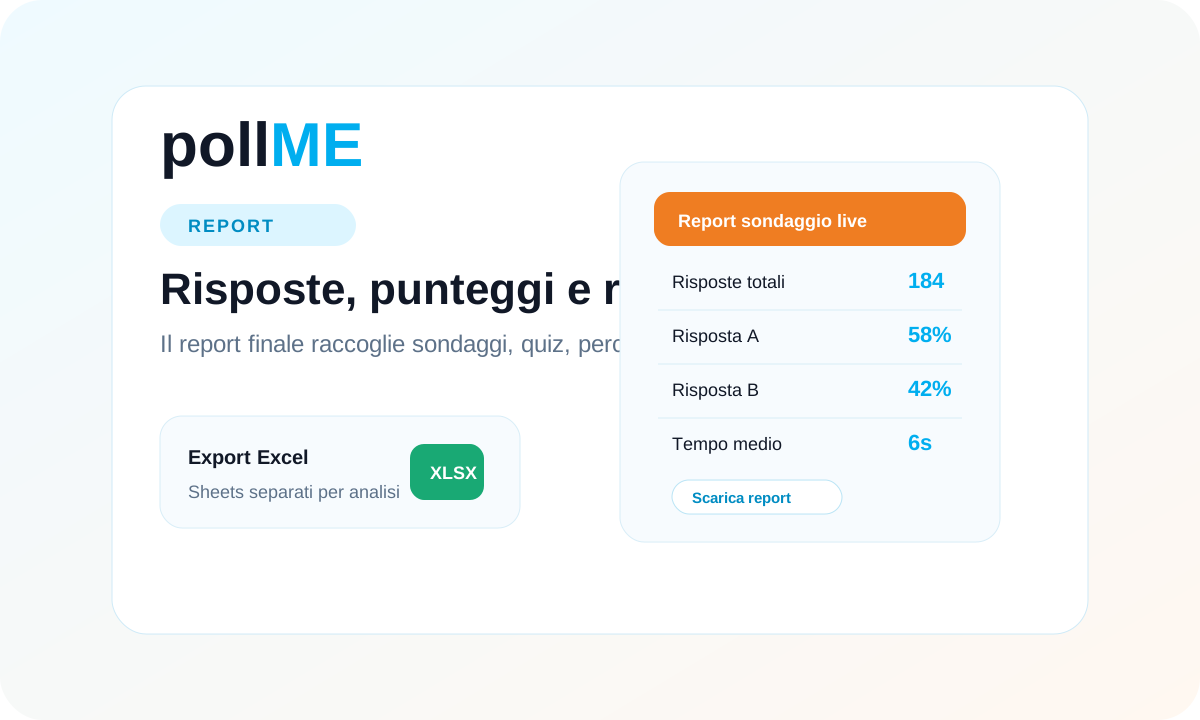
The control room downloads a complete Excel file with answers, counts, percentages, scores, times and rating averages.

pollMe is built for live control, not just for collecting answers

Many questionnaire tools work well before or after an event. pollMe is designed for the live moment: audience, speaker, stage screen, control room and final report work together.

Built for control rooms

Not just questionnaires: pollMe manages opening, closing and publishing during the live event.

Ready for the stage

Results, rankings and QR codes are optimized for large screens, LED walls and video walls.

A truly useful report

After the event, you keep ordered data, easy to read and ready for analysis and follow-up.

Feature Other polling software
Live control room Live control

Central control room to open, close and publish content on audience, speaker and stage screen views.

Limited control

Answer collection, with less control over what to show during the event.

Attendee access No app

Access via QR code or link, with no app to install and an interface designed for the room.

More friction

Accounts, long links, external steps or screens less suited to live smartphone use.

Quizzes and gamification Competition

QUIZ Pulse and QUIZ SCORE with timers, scores, rankings and response times.

Basic quiz

Simple logic, less control over rankings and competitive dynamics.

Large screen and stage view Stage ready

Dedicated view for LED walls, video walls, vertical monitors and projections with configurable formats.

Dashboard

Results in standard dashboards, less optimized for stage, control room and large screens.

Interaction types One flow

Polls, quizzes, word clouds, open questions and ratings in one event flow.

Scattered features

Separate or limited features, often designed for asynchronous surveys rather than live moments.

Reports and final data Event Excel

Complete Excel report with answers, results, percentages, scores, times and averages.

Generic export

Generic exports, not always organized by sessions, quizzes and event results.

Branding and customization Event identity

Adaptable experience with logo, colors, fonts and event identity.

Basic branding

Customization often limited to the questionnaire logo or main colors.

From quick voting to competitive quizzes

pollMe covers the key moments of live interaction: preferences, quizzes, feedback, keywords, open questions and ratings.

Quick vote

Multiple choice

Questions with multiple answer options for live voting, audience preferences, surveys and quick decisions.

Timer

QUIZ Pulse

Live quizzes with correct answers, timer and ranking: ideal for training, gamification and dynamic corporate events.

Ranking

QUIZ SCORE

Advanced quiz with different scores for each answer. The winner is the highest scorer and, in a tie, the fastest respondent.

Live cloud

Word cloud

The audience selects words from a list and pollMe builds a live visualization, also in bubble mode.

Open answer

Open question

Free-text answers with configurable character limit, useful for takeaways, feedback, ideas and final comments.

Rating

Rating

Feedback with stars or numeric scale up to 5 or 10, displayed as stars, bars or gauges.

A smooth experience on smartphones and tablets

Attendee access, active polls, live results and the speaker view are designed to stay readable across different devices during the session.

A flow designed for attendees, speakers and event teams

pollMe naturally separates roles: the audience interacts, the speaker stays aligned and the control room keeps full command.

Live control room to coordinate every moment

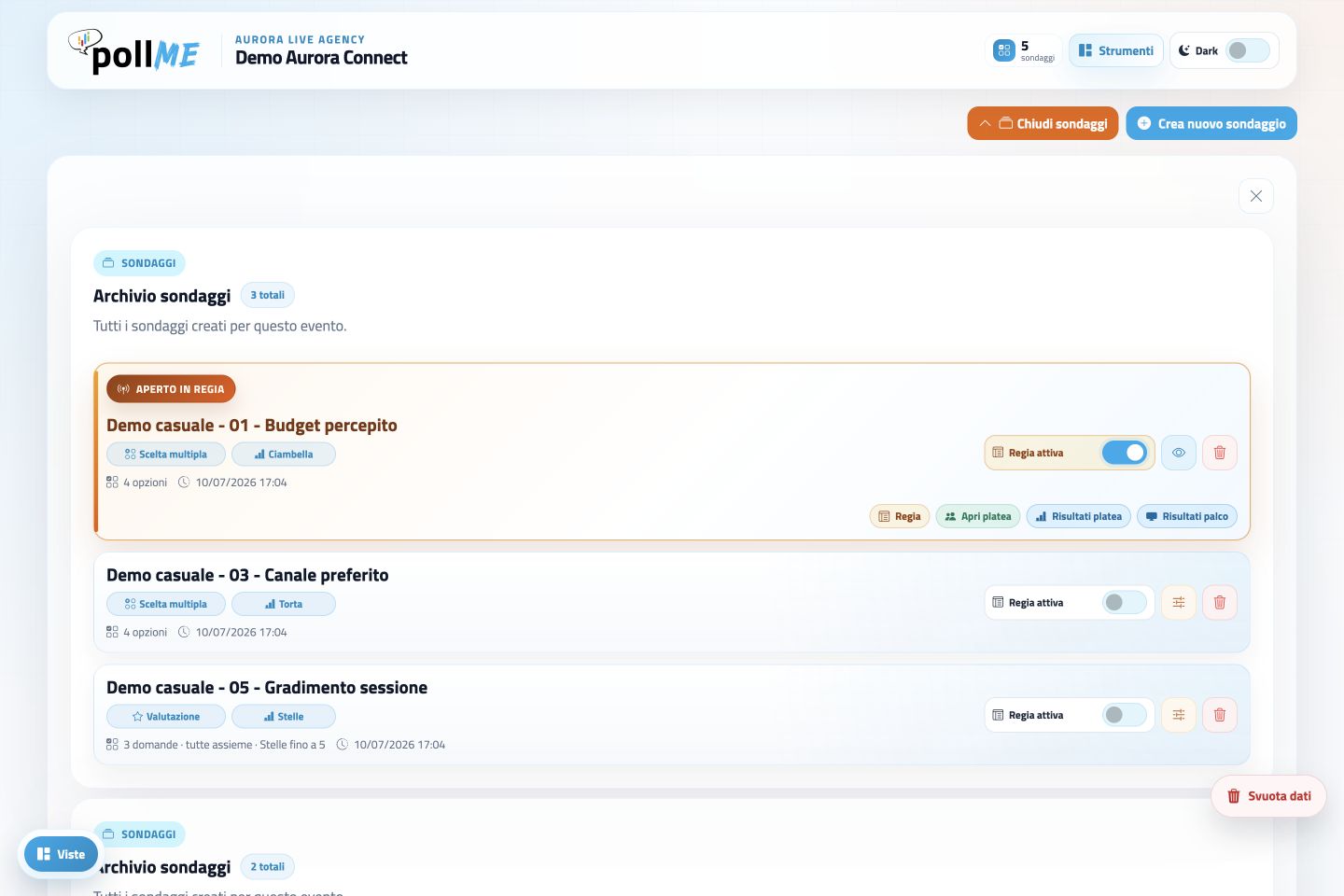
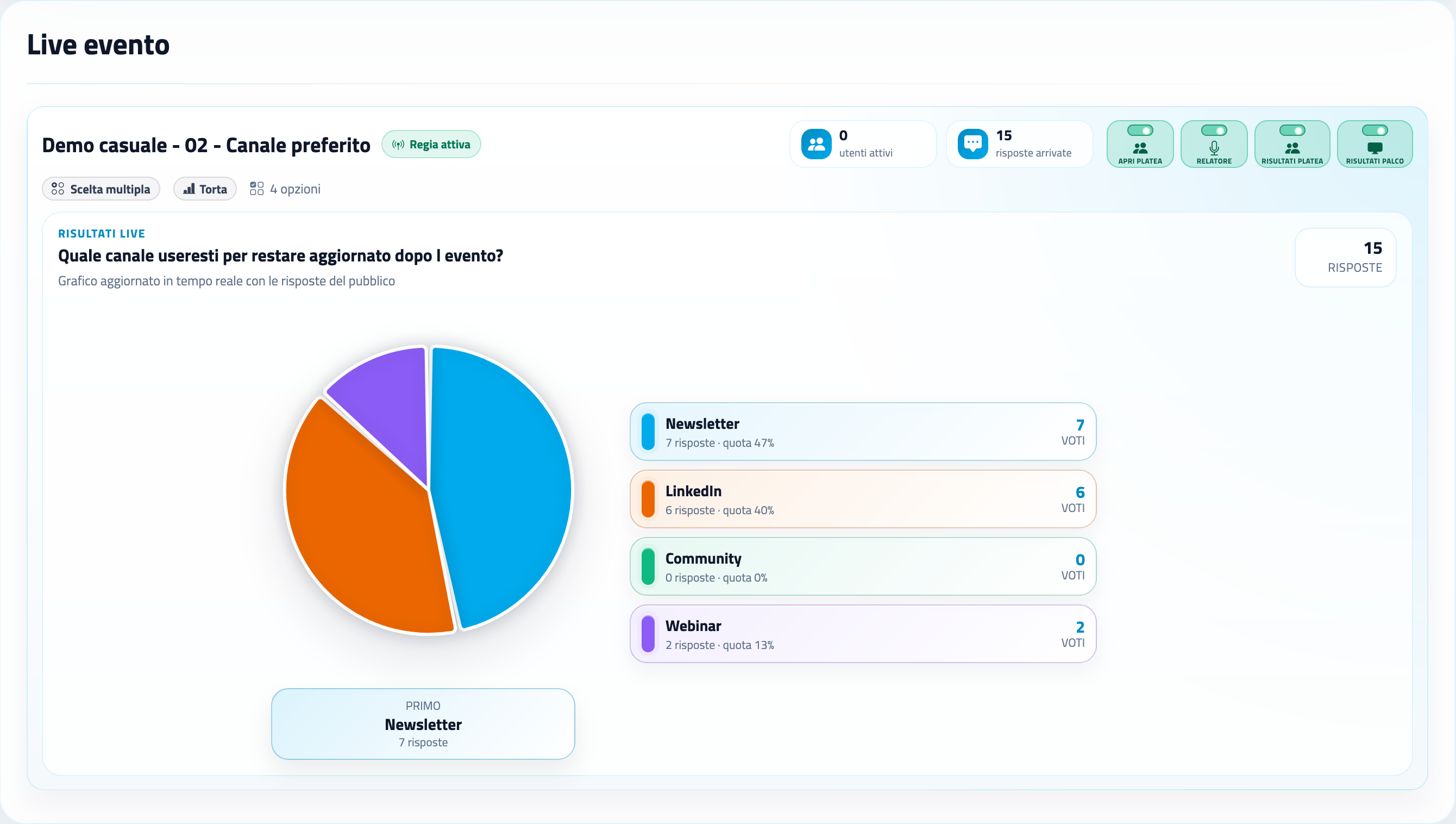
The control room is the operational center of pollMe. From here, teams create sessions, configure polls, open or close voting and decide what to show to the audience, the speaker or the stage screen.

  • Active session always under control
  • Opening and closing voting sessions
  • Sending content to audience, speaker and stage
  • Active users and answers in real time
pollMe control room dashboard for live poll management

Fast audience view with no installation

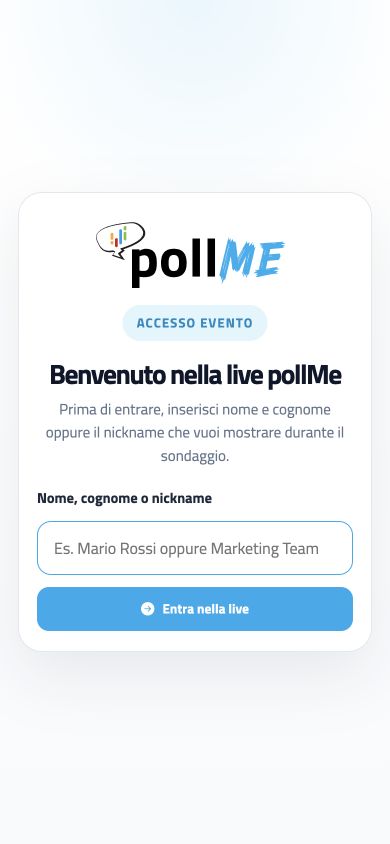
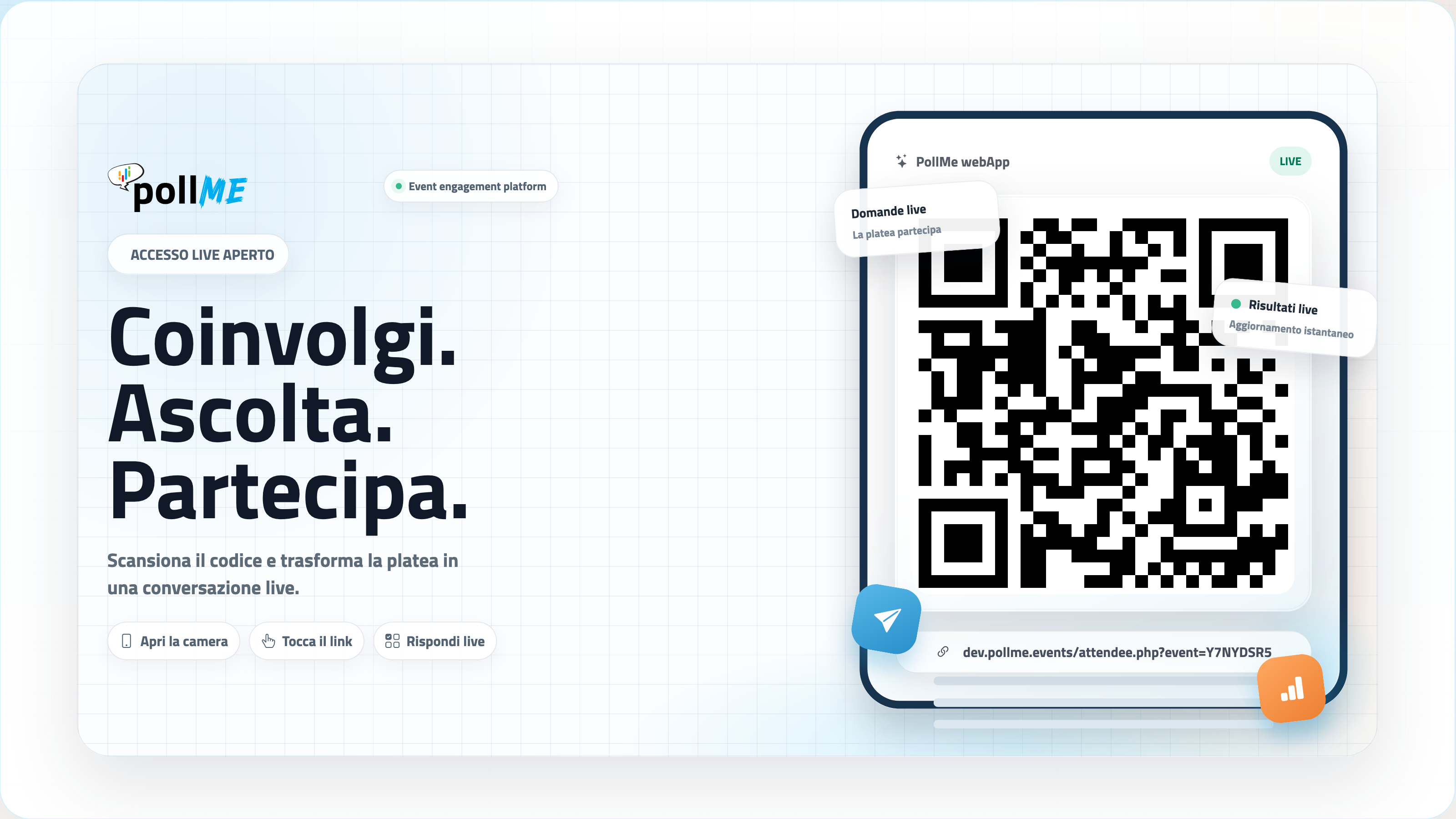
The audience joins via QR code or link, directly from smartphones. Each attendee sees the active poll, answers and sees results only when the control room decides to publish them.

  • Immediate access via QR code
  • Clean experience designed for the room
  • Answering in a few steps
  • Results visible only when authorized
pollMe audience view with live QR code

Speaker view to follow live progress

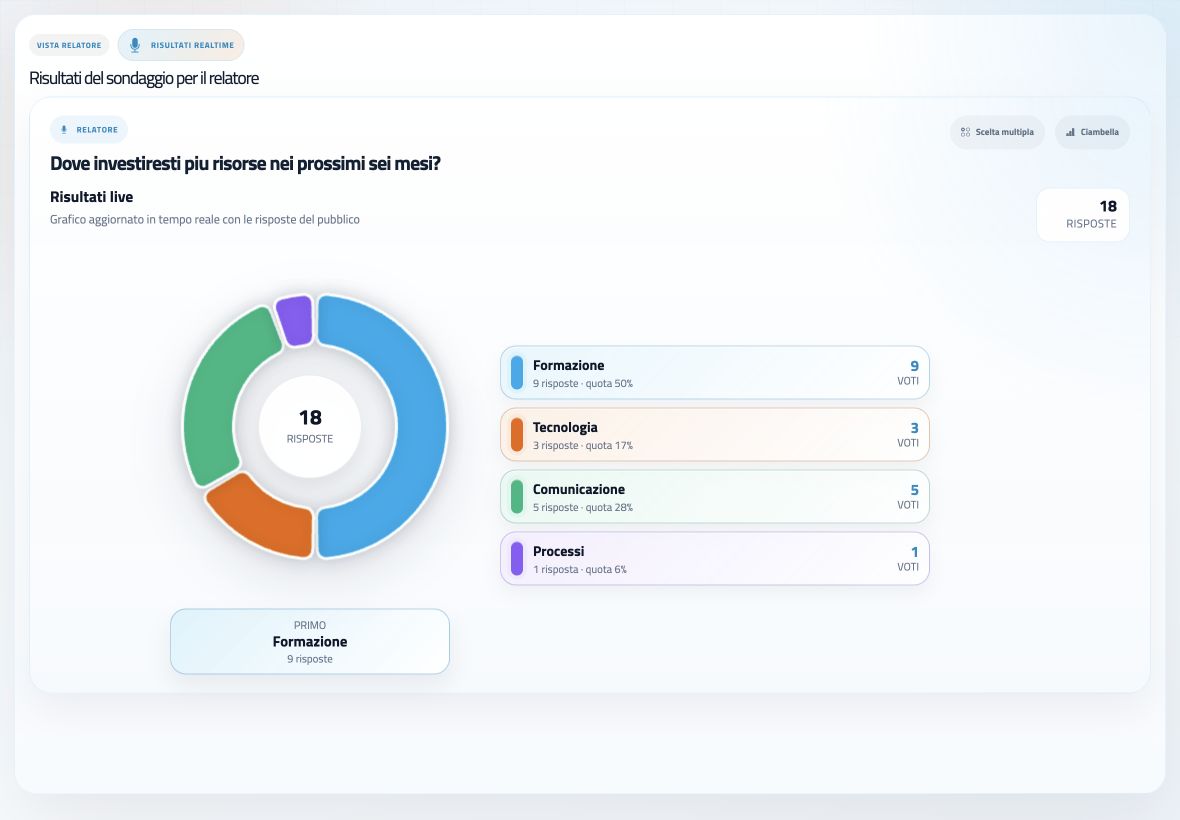
The speaker view is designed for presenters on stage or anyone following the session from a tablet. It shows the content sent by the control room and updated results, keeping the speaker aligned with what is happening in the room.

  • Content sent by the control room
  • Results updated during the session
  • Support for the speaker on stage
  • Simple reading even from a tablet
pollMe speaker view on tablet

Large screens, LED walls and vertical displays

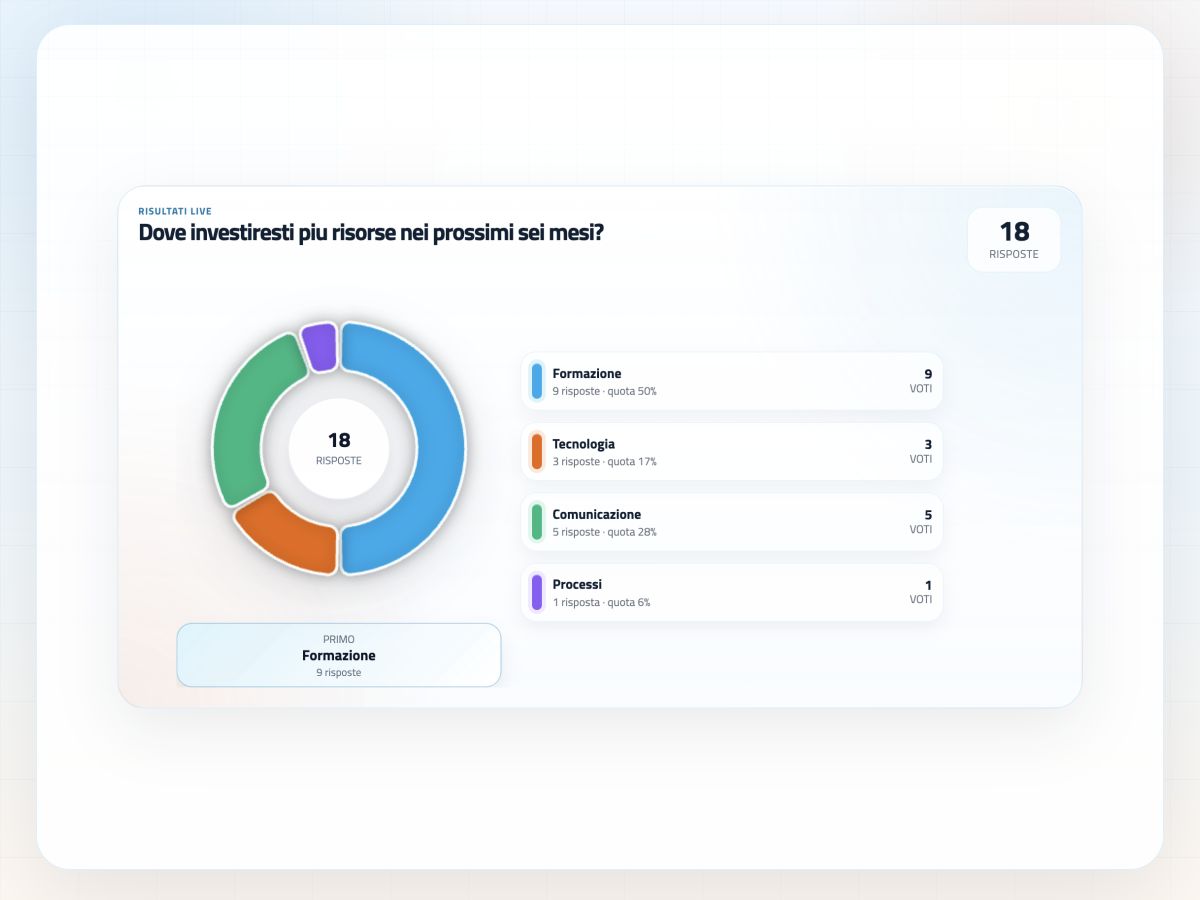
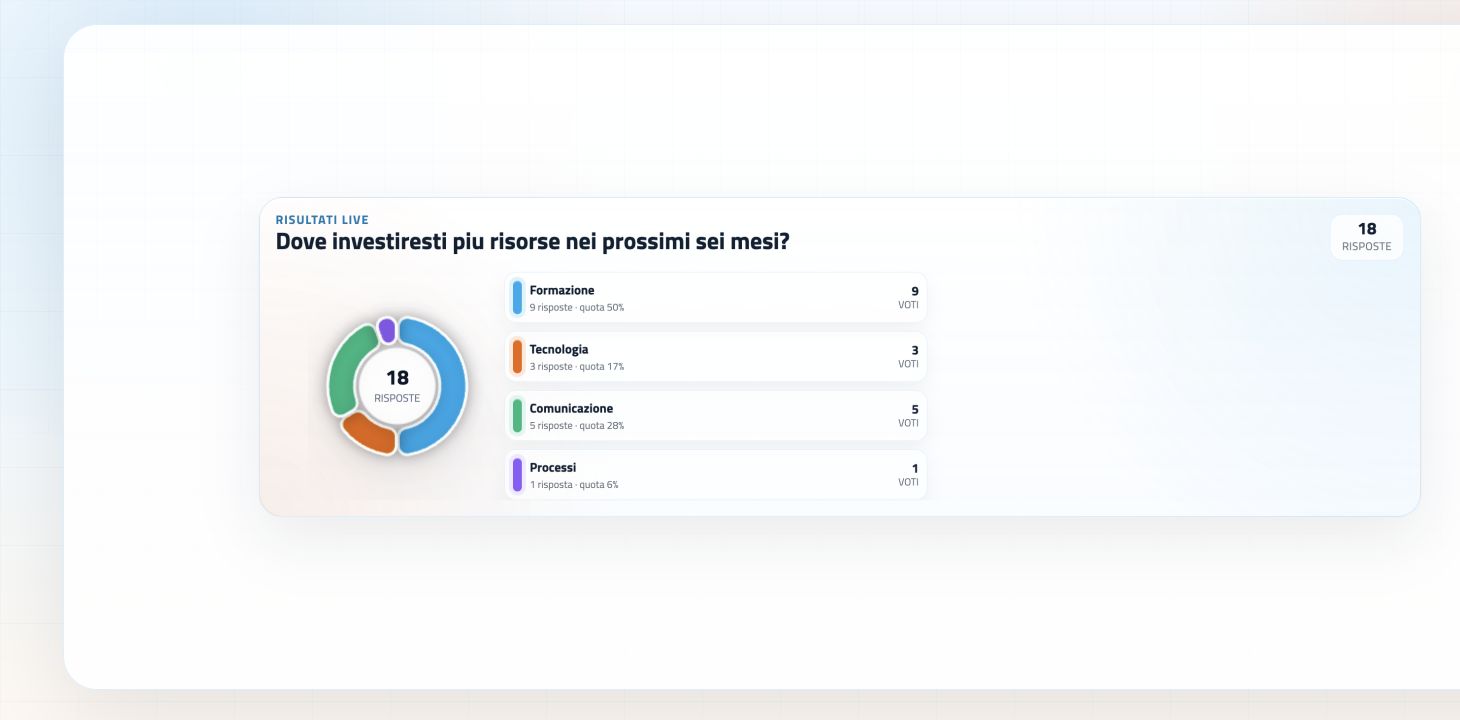
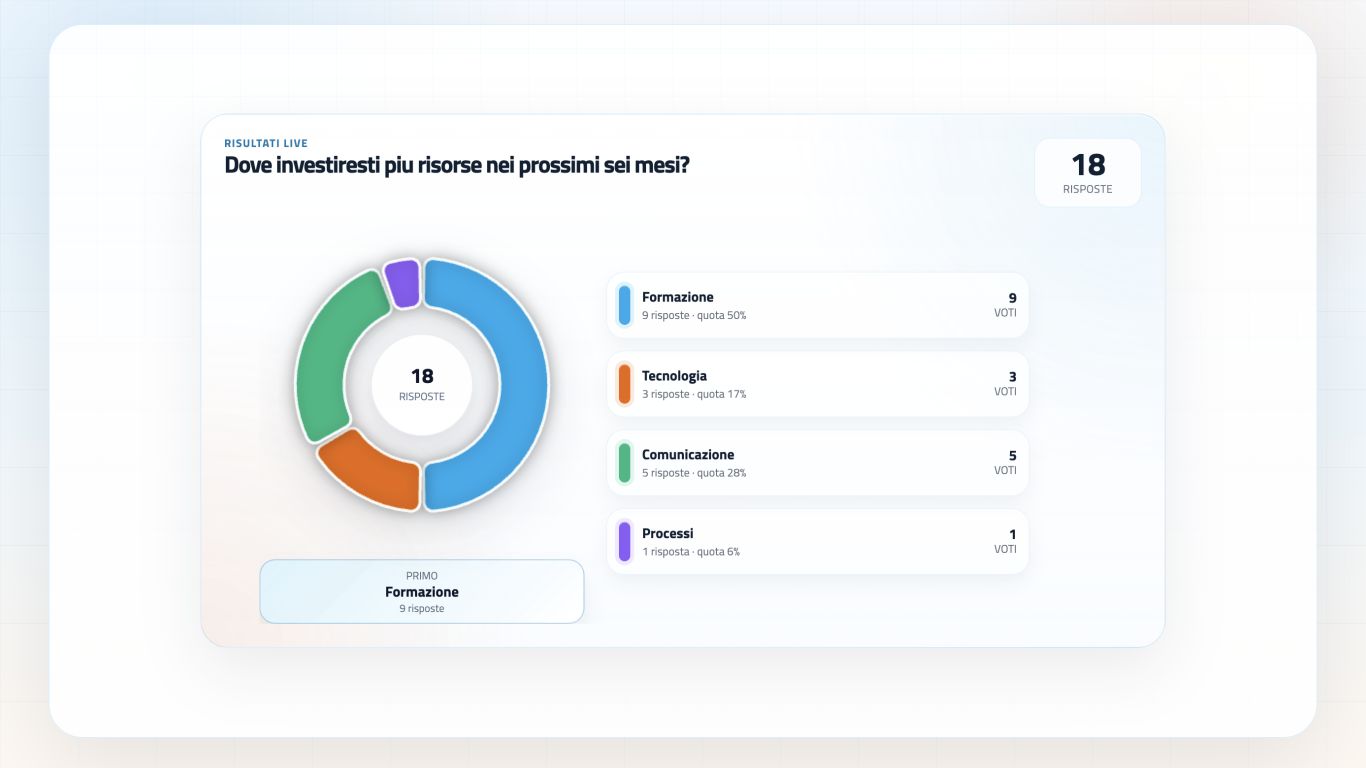
pollMe includes a stage view dedicated to large screens. It can show access QR codes, active questions, answer options, rankings and live results in formats suited to different event setups.

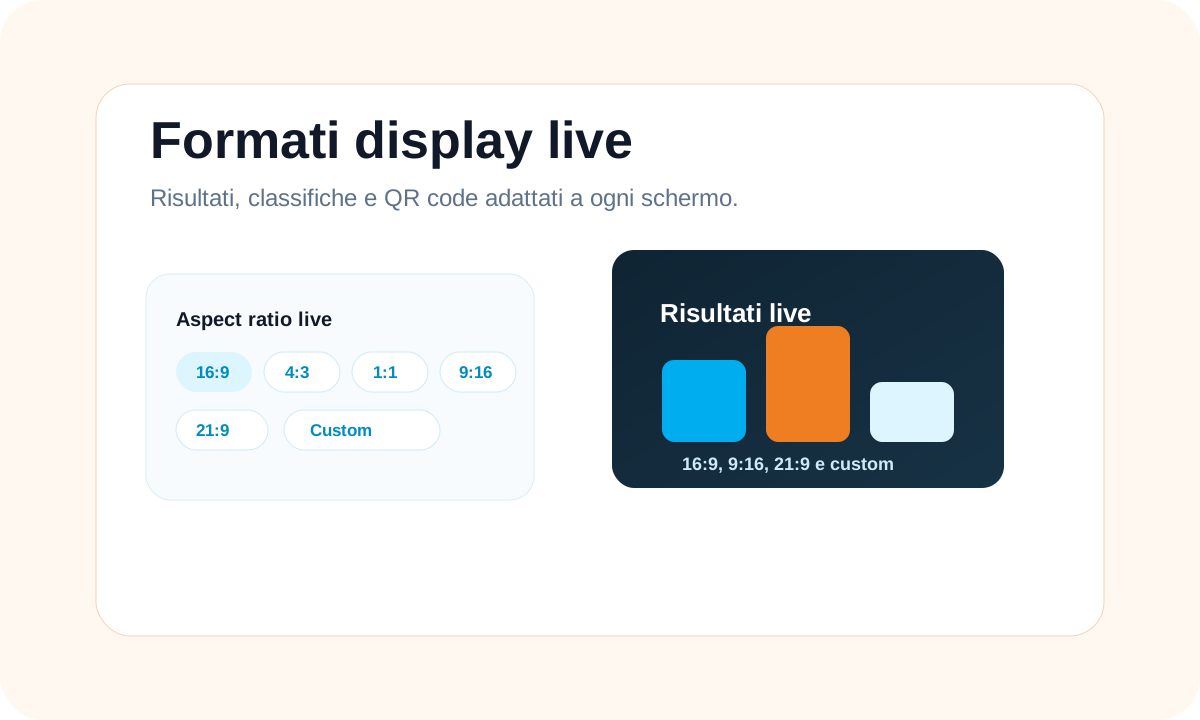
  • Presets: 16:9, 4:3, 1:1, 9:16 and 21:9
  • Manual format: custom
  • Compatible with: projections and video walls
  • QR codes, rankings and live charts
pollMe stage view for large screen with live poll

Decide what every audience sees, at the right moment

Live control Dashboard live control pollMe
Display formats

Ready for congress halls and complex setups

The stage view adapts to large screens, LED walls, vertical monitors, projections and panoramic displays.

  • 16:9 for standard screens
  • 4:3 for traditional projectors
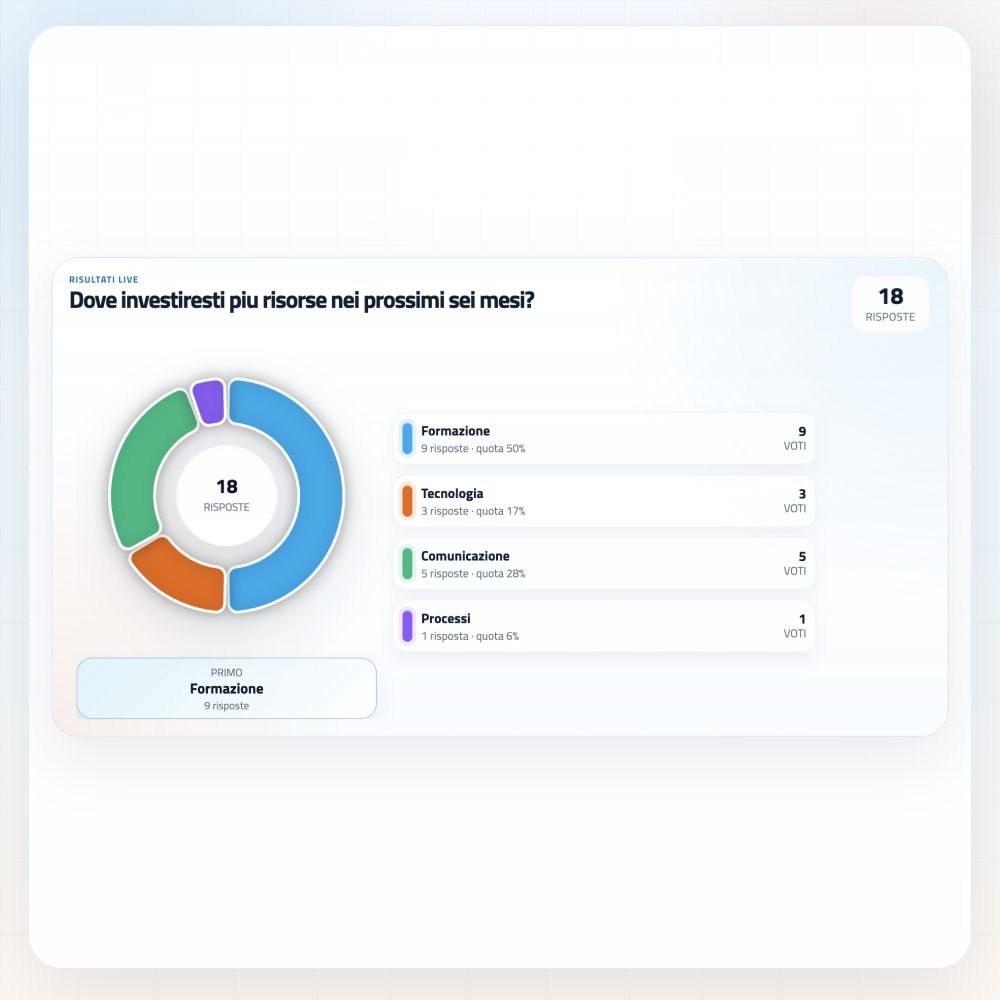
  • 1:1 for square formats
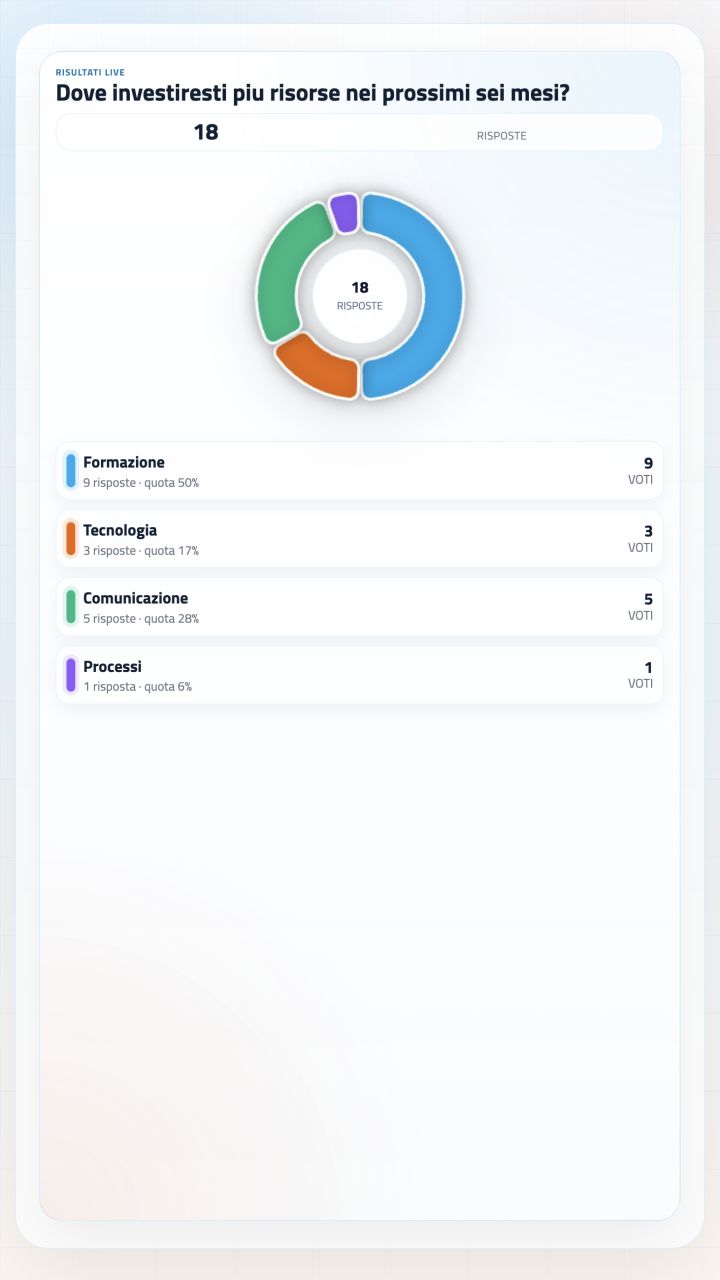
  • 9:16 for vertical displays
  • 21:9 for panoramic video walls
  • Custom manual format

Supporting features that make live control work better

pollMe is not limited to audience voting. It also includes reports, event branding and adjustable display formats so the experience fits the client, the room and the post-event work.

pollMe report with answers, scores and post-event percentages
Report

Final report ready for analysis and follow-up

Answers, scores, percentages and attendee data become an organized report, useful for understanding what really happened in the room.

  • Export of answers and results
  • Counts, percentages, averages and quiz scores
  • Concrete material for analysis and follow-up
pollMe graphic customization with event logo colors and style
Branding

Visual identity aligned with the client or event

Logo, colors and visual style can follow the project brand identity, so the live poll feels like a natural part of the convention.

  • Event logo or client logo
  • Color palette aligned with the visual identity
  • Interface consistent with stage, slides and materials
pollMe live display formats with presets and custom dimensions
Display

Live dimensions that fit the room display

The live view can be set according to the technical setup: standard projection, panoramic LED wall, vertical monitor or fully custom format.

  • Presets for 16:9, 4:3, 1:1, 9:16 and 21:9
  • Manual format for custom setups
  • More readable results on large screens and LED walls

Screens ready for every display format

QR codes, results and rankings can be shown on standard screens, panoramic video walls, vertical displays and custom formats.

Interaction becomes useful data

The control room can decide whether to show results internally, to the audience or directly on stage. At the end of the event, everything is collected in a complete Excel report.

Live chart

Live charts

Bar, pie and doughnut charts for multiple choice and quizzes, updated in real time.

Ranking

Rankings

Scores and response times for live quizzes, training, prize games and competitive dynamics.

Visual live

Word clouds and tickers

Word clouds, bubbles, cards and tickers to make selected words and open answers visible.

Export

Excel report

Separate sheets for polls, answers and results with attendees, counts, percentages, averages and submission dates.

Not just a voting tool

End to end

Complete live interaction

Not just voting: pollMe creates content, opens the audience, controls the stage and produces final reports.

Corporate

Perfect for corporate events

Ideal for congresses, corporate conventions, training, product launches, internal meetings and marketing events.

Live room

Designed for the room

Simple interfaces, quick steps and control room management reduce distractions and complexity during the live event.

Brand

Event white label

Logo, colors and fonts keep the experience aligned with the client, agency or event brand.

Insight

Useful data after the event

Interactions become measurable insights for analysis, follow-up, training and later decisions.

Support

Operational support

The platform is designed to work with technical control rooms, speakers and event setups, even complex ones.

Frequently asked questions about pollMe

The essential answers to understand how to use pollMe during events, congresses, conventions and corporate meetings.

pollMe is a web app for managing live interaction during events, congresses, conventions and corporate meetings: polls, quizzes, voting sessions, open questions, ratings and word clouds.

No. Attendees access via QR code or link directly from the smartphone browser, with no store download.

Yes. The control room manages opening, closing and publishing results on audience, speaker and stage screen views.

Yes. pollMe manages QUIZ Pulse with timer and ranking and QUIZ SCORE with different scores for each answer and ordering by speed when needed.

Yes. pollMe includes a stage view with presets for 16:9, 4:3, 1:1, 9:16, 21:9 and a custom manual format.

Bars, pie charts, doughnuts, rankings, word clouds, bubbles, cards, tickers, stars and gauges, depending on the poll type.

Yes. Event logo, primary and secondary colors and fonts can be configured to adapt the platform to the project visual identity.

Yes. At the end of the event, a Excel report is available with polls, answers, results, nicknames, scores, times, counts, percentages and averages.
Contatti I.T.S. Planet

Bring the audience into the event

With pollMe, every attendee can vote, answer, play, rate and contribute in real time. The control room keeps full command, the stage screen enhances live moments and the final report turns interaction into useful data.

R 4 T 9 Z